Whether you are building a custom PC, designing an industrial enclosure, or replacing a burnt-out fan in your RV, choosing the correct 12V DC fan is critical for system stability. The selection process boils down to a core logic: calculate your cooling needs, match your physical/electrical constraints, and select for durability.
Here is an in-depth, step-by-step guide to help you find the perfect 12V DC cooling fan for your specific application.
1. Core Performance: Airflow vs. Static Pressure
The primary job of any fan is to move heat away from your components. To do this effectively, you must balance two key metrics:
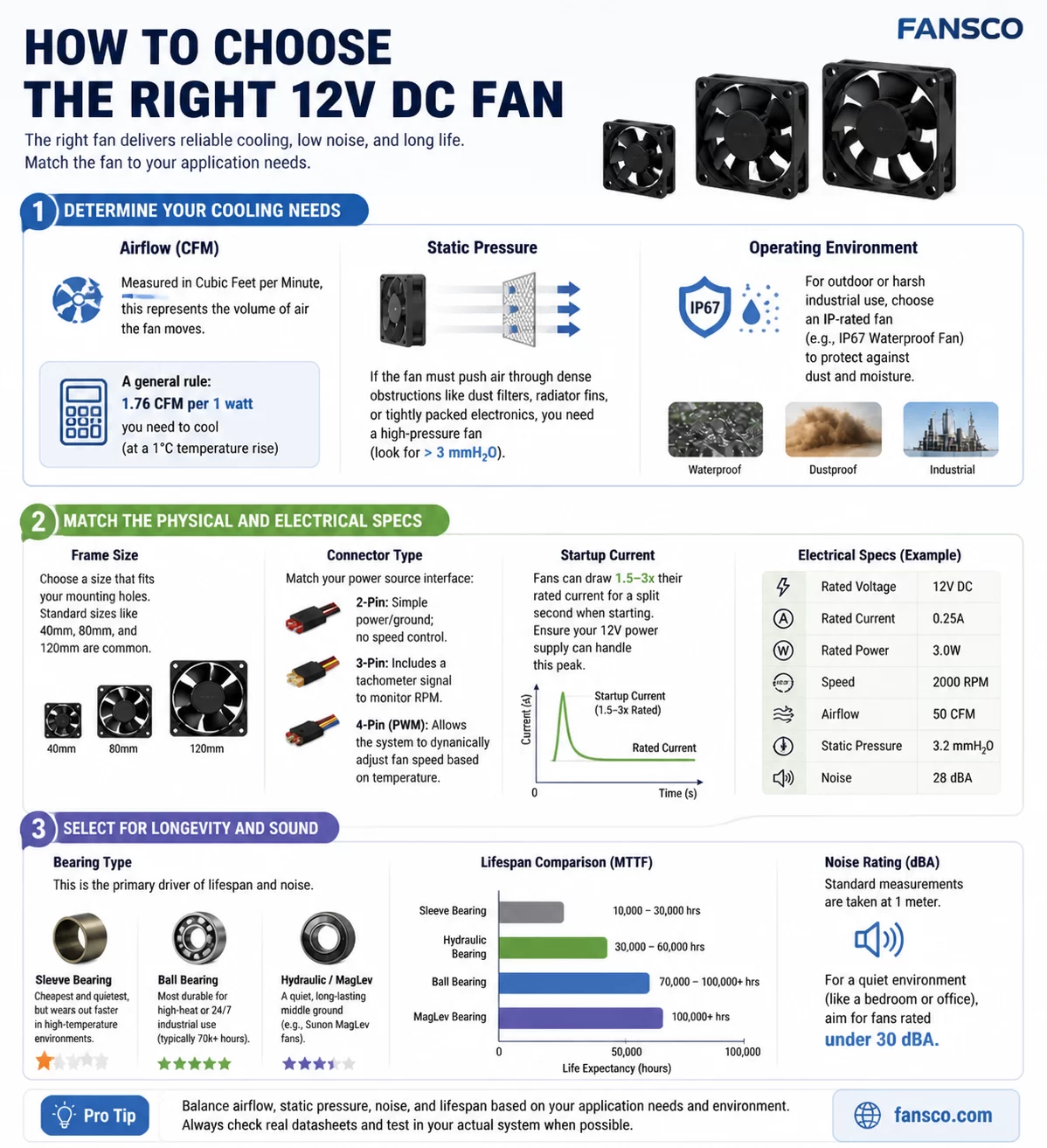
- Airflow (CFM – Cubic Feet per Minute): This measures the raw volume of air the fan can move in an open space. As a general rule of thumb, you need about 1.76 CFM for every 1 Watt of heat you wish to dissipate (assuming a 1°C temperature rise). Choose high CFM fans for open enclosures and general case ventilation.
- Static Pressure (mmH₂O): This measures the fan’s ability to push air through resistance. If your fan needs to push air through dense radiator fins, tight heatsinks, thick dust filters, or narrow server chassis, you need a high static pressure fan (look for ratings >3.0 mmH₂O). A high-CFM fan with low static pressure will simply choke if faced with obstacles.
2. Physical and Electrical Specifications
Even the most powerful fan is useless if it doesn’t fit your enclosure or motherboard.
Frame Size and Thickness
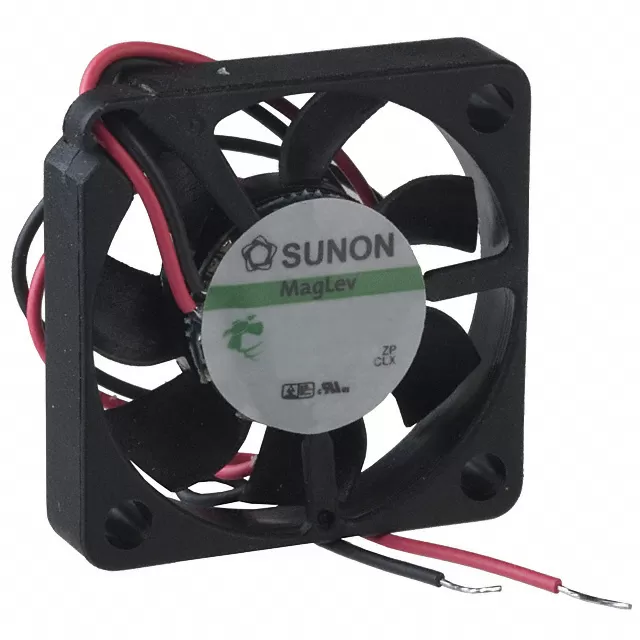
Standard sizes range from tiny 40mm fans (for 3D printers and micro-electronics) to large 140mm or 200mm fans. Thickness is equally important; a standard PC fan is 25mm thick, but tight spaces might require a “slim” 10mm or 15mm fan, while high-performance industrial fans can be 38mm thick.
Connector Types
Matching the connector to your power source dictates how much control you have over the fan’s speed and noise:
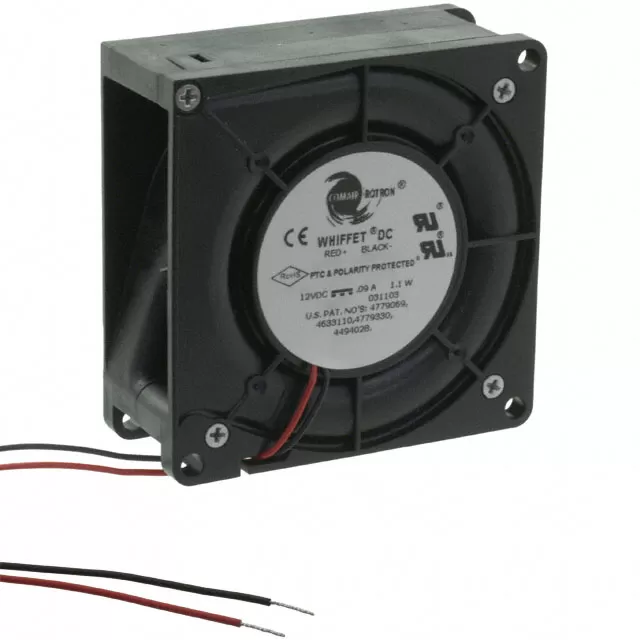
- 2-Pin: Basic power and ground. The fan runs at 100% speed constantly unless you lower the input voltage.
- 3-Pin: Adds a tachometer (RPM) wire. The system can read how fast the fan is spinning, but cannot dynamically control the speed natively.
- 4-Pin (PWM): The gold standard for modern electronics. The fourth wire carries a Pulse Width Modulation (PWM) signal, allowing the motherboard or controller to dynamically adjust the fan speed based on real-time component temperatures.
Always check the Amp (A) and Watt (W) rating. Fans can draw 1.5x to 3x their rated current for a split second upon startup. Ensure your 12V power supply has enough overhead to handle this peak spike, especially if wiring multiple fans in parallel.
3. Longevity, Acoustics, and Environment
How long your fan lasts—and how loud it gets—is primarily determined by the bearing inside the motor hub.
- Sleeve Bearing: The most affordable and initially quietest option. However, they have a shorter lifespan (around 30,000 hours), degrade quickly in high-heat environments, and should not be mounted horizontally, as the lubricating oil can leak out.
- Dual Ball Bearing: The industrial workhorse. They are incredibly durable (70,000+ hours), can withstand high ambient temperatures, and can be mounted in any orientation. The trade-off is a slightly higher baseline motor noise.
- Hydraulic / Fluid Dynamic Bearing (FDB): The premium choice. These bearings use self-lubricating, pressurized fluid dynamics to offer the extreme longevity of ball bearings with the near-silent operation of sleeve bearings.
Environmental Protection (IP Ratings)
If your project is outdoors, in a damp RV, or in a dusty workshop, standard fans will fail rapidly. Look for fans with IP52 (dust and drip-resistant) or IP67 (fully dustproof and waterproof) ratings. These feature potted electronics to protect the motor from harsh elements.
4. Quick Decision Matrix
Use the table below to quickly identify the ideal fan specifications based on your specific use case:
| Application / Use Case | Primary Priority | Recommended Specifications |
|---|---|---|
| Home/Office PC Case Ventilation | Silence & General Airflow | 4-Pin PWM, Fluid Dynamic Bearing, High CFM |
| CPU Heatsinks & Water Radiators | Penetrating Power | 4-Pin PWM, High Static Pressure (>3 mmH₂O) |
| 24/7 Servers & Industrial Cabinets | Longevity & Reliability | Dual Ball Bearing, High RPM, 3-Pin or 4-Pin |
| Outdoor Enclosures & Marine Use | Element Protection | IP67 Waterproof Rating, Dual Ball Bearing |
| Basic DIY Hobby Electronics | Cost-Effectiveness | 2-Pin, Sleeve Bearing, Fixed Speed |
Final Thoughts: Choosing the right 12V DC fan is always a compromise between airflow, noise, and price. You cannot have a fan that pushes hurricane-level air while remaining dead silent and cheap. Define your most critical constraint first—whether that is physical space, silence, or raw cooling power—and let that guide your final purchase.